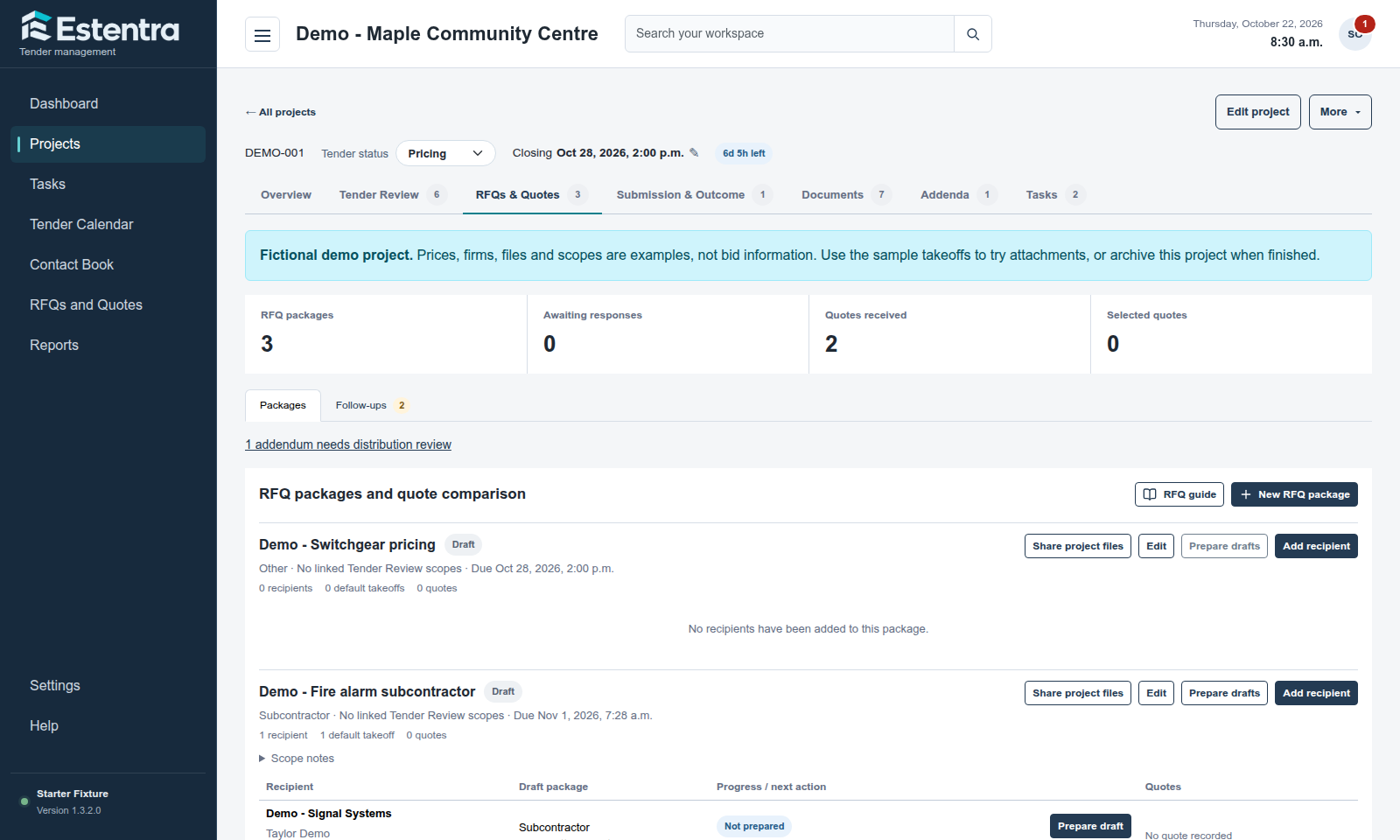
A supplier quotation is easier to review when its request, relevant drawings and project scope are in the same place. Estentra connects RFQ packages and supplier responses to the project your team is pricing.
Create an RFQ package for the supplier scope you need priced. Select the project documents that belong in the request. Keep supplier and contact information in the Contact Book so your team can find the right recipient without searching through separate notes.
02 / WORKFLOW
Prepare a draft in your email app
Generate a supplier or subcontractor draft with your template, signature and project document link. Open or copy it into your preferred email app, download the selected takeoff attachments, and attach them yourself. The document link includes available project files not marked Internal Only, including all public takeoffs; attachment overrides do not narrow that shared link. Estentra does not send RFQ emails.
03 / WORKFLOW
Review quotation progress before closing
Record manual sending after delivering the draft in your email app. Use Follow-ups to find overdue replies and received quotes needing review. Record quotations against their scope and check missing prices, inclusions and exclusions in Tender Review before submission.
A typical tender workflow
How the pieces fit together
Your team needs lighting pricing for an approaching closing. Prepare an RFQ with the relevant drawings and specification, share the selected package, then record the quotation when it arrives. Review its scope alongside the other required supplier items before submission.
Common questions
Before you get started
Do suppliers need an internal user account?
No. Supplier document links provide access separately from organization membership. For generated RFQ drafts, the project link includes available files not marked Internal Only; selected takeoffs are downloaded and attached separately.
Does Estentra send the RFQ email?
No. Estentra generates the draft and helps you select takeoffs. You send it using your own email application and explicitly record manual delivery in Estentra.
Can quotations stay connected to project scope?
Yes. RFQs and quotes belong to the tender, and Tender Review keeps supplier scope and quotation progress visible during bid preparation.